
How to purge Nginx FastCGI Cache for Mobile & Desktop Users with ngx_cache_purge module
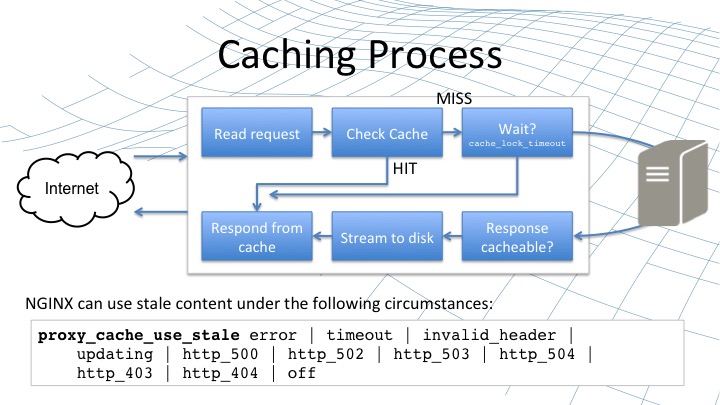
ngx_cache_purge is a NGINX module forked from FRiCKLE/ngx_cache_purge which adds ability to purge content from FastCGI, proxy, SCGI and uWSGI caches. A purge operation removes the content with the same cache key as the purge request has.
This tutorial will be showing you how to set up NGINX ngx_cache_purge for Desktop & Mobile users.
Prerequisites
1- NGINX compiled with ngx_cache_purge module. (Nginx -V to check istalled Nginx modules)
2- You’ve already setup and configured Nginx with PHP
3- Caching is enabled
nano /etc/nginx/mobiledetect.map
nano /etc/nginx/nginx.conf
add : in http {} part :
include /etc/nginx/mobiledetect.map;
fastcgi_cache_key “$scheme$request_method$host$request_uri$mobile”;
none /etc/nginx/sites-available/example.vhost
add
set $var_desktop “desktop”;
set $var_mobile “mobile”;